Clients:
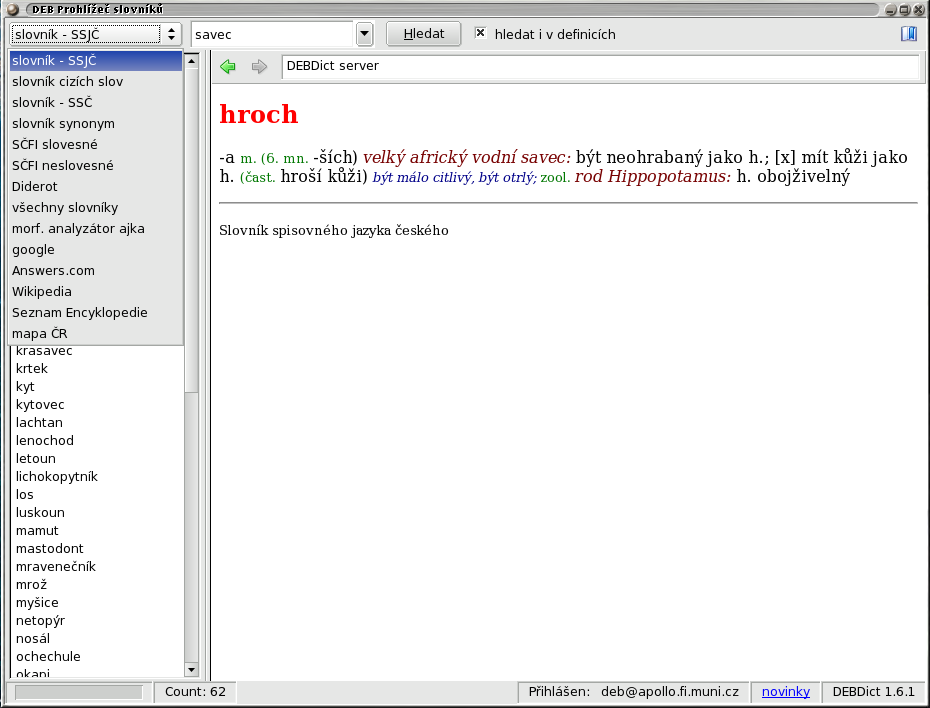
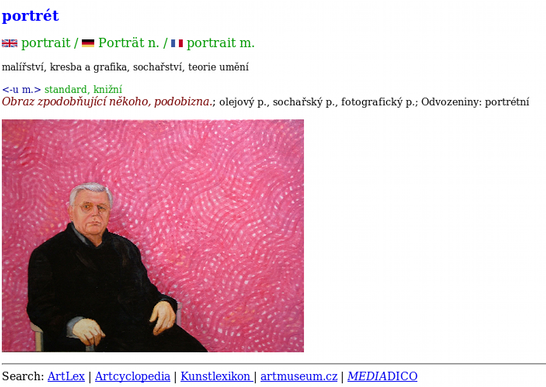
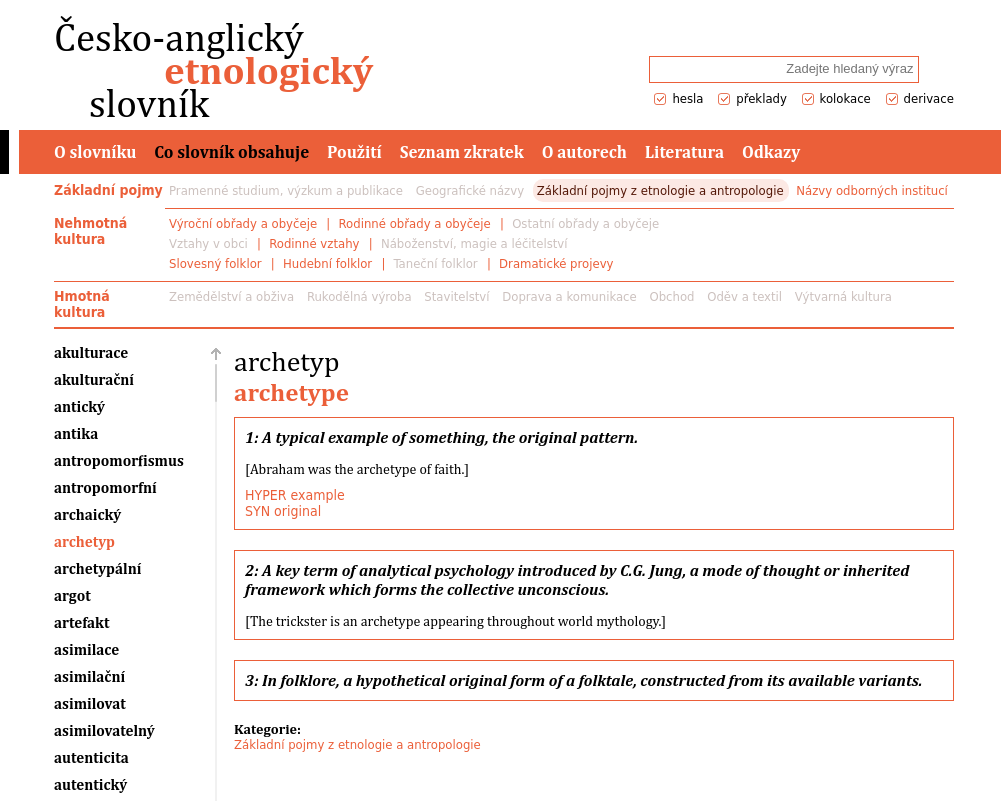
- DEBDict - general dictionary browser
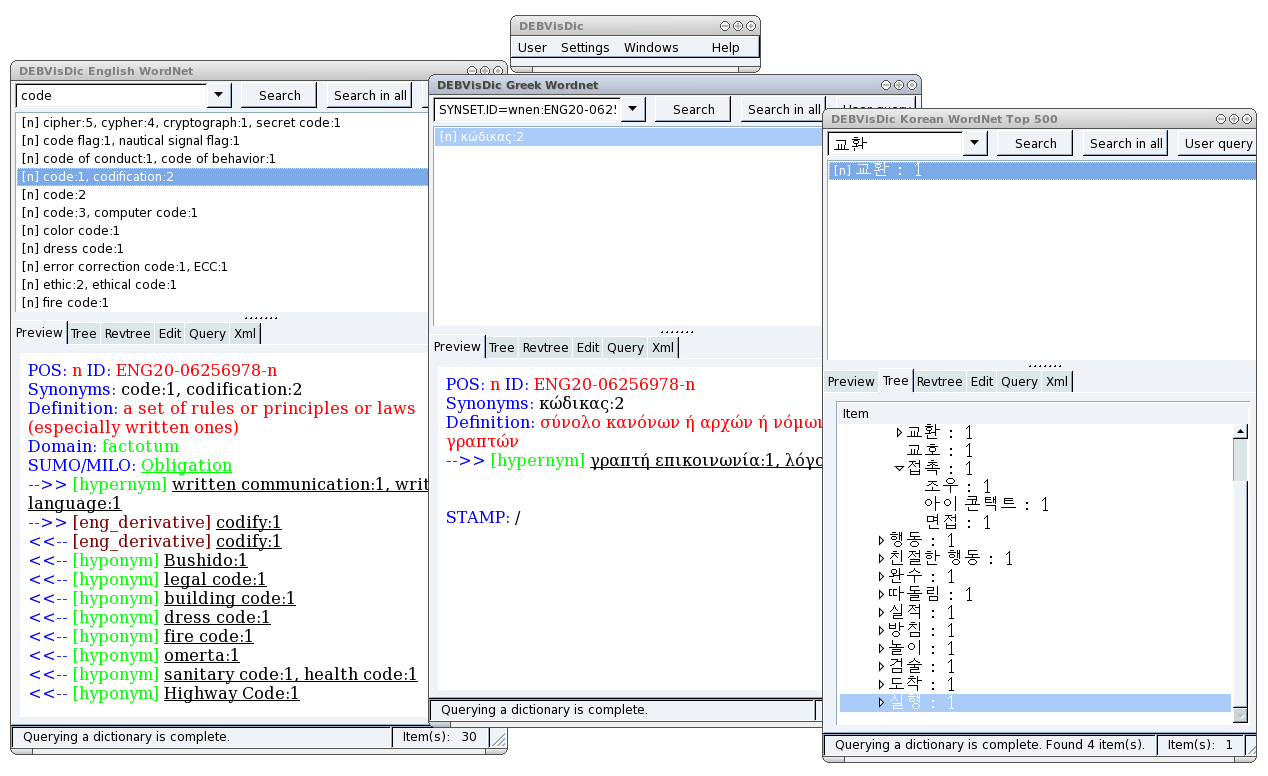
- DEBVisDic - new version of WordNet editor and browser (first run after installation may seem a bit slow, depending on a number of used wordnet dictionaries)
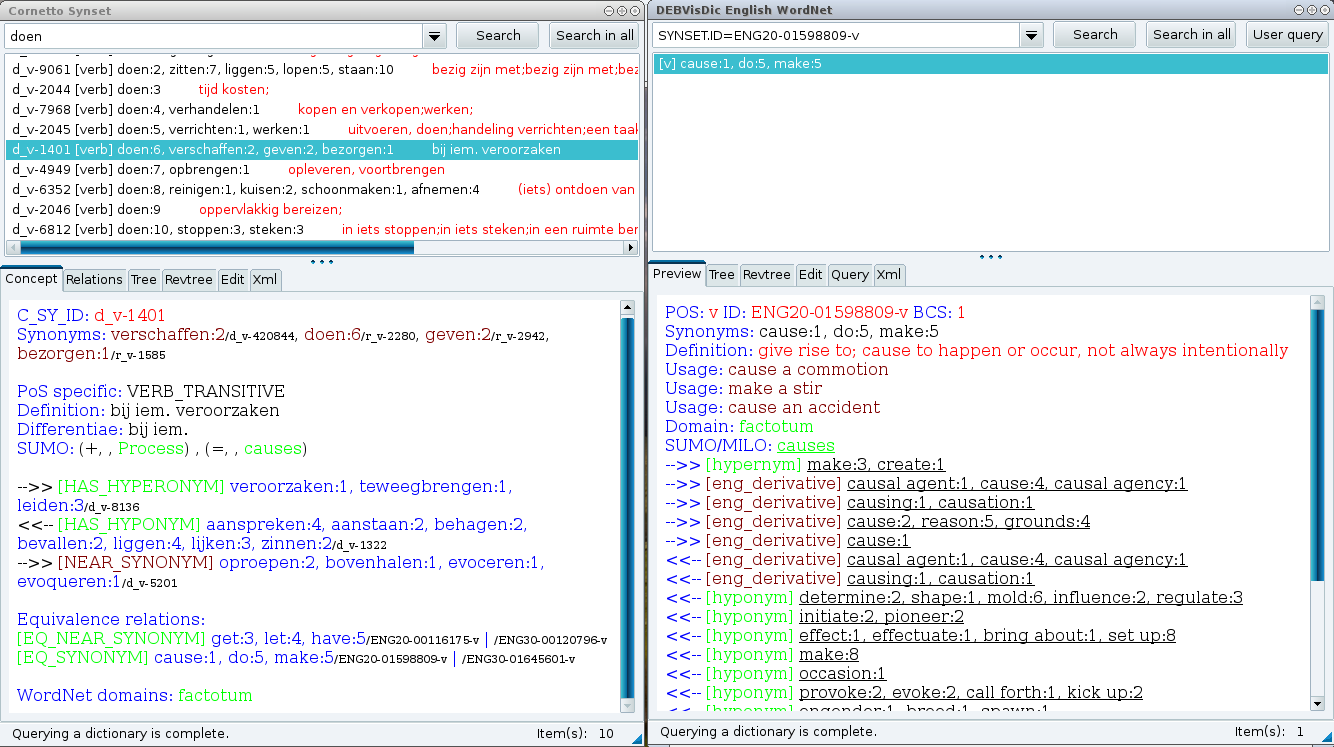
- DEBVisDic for Cornetto - special version of DEBVisDic for the Cornetto project
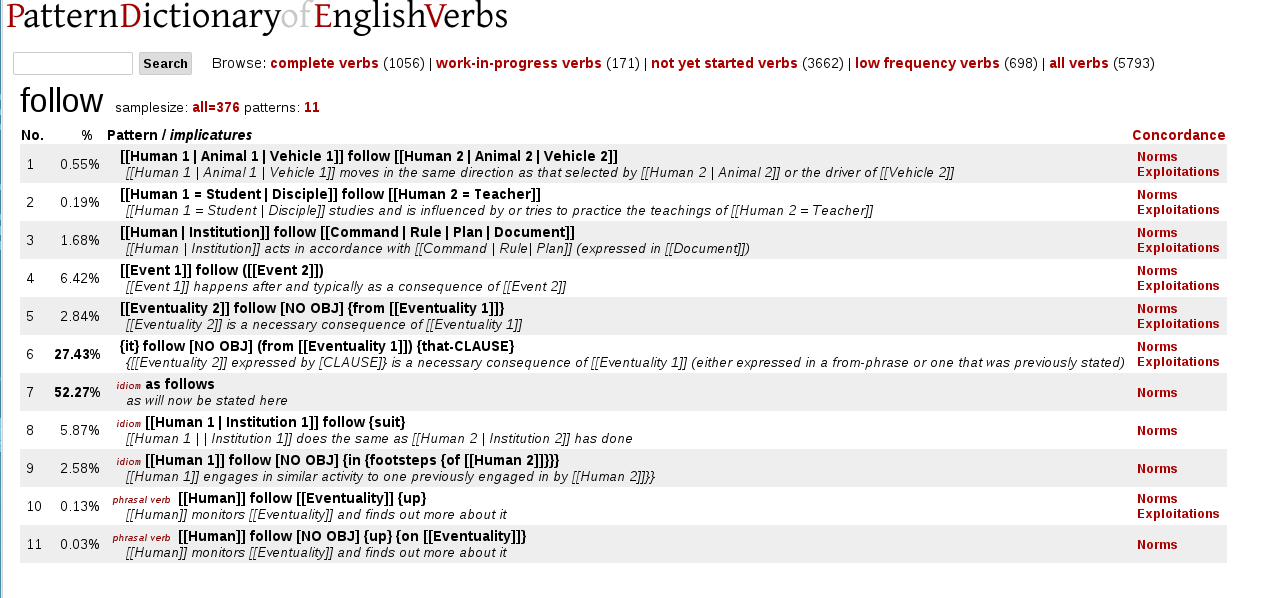
- PDEV (CPA)
- TeDi for editors (not to install, web service)
- TeDi for FaVU students
- Global Wordnet Grid (not to install, web service)
Installation
The installation process of all DEB clients is as simple as one click pointing to an installation package (XPI file) of the client.
For all installations, you need to fulfill two simple requirements:
- You need to have the Mozilla Firefox browser installed. If you have
not installed Firefox already, you can download it for free from www.mozilla.org
and install it.
Note: For DEBVisDic the latest Firefox (at least 3.0) is needed, older versions will not work. - Before the first installation, you need to allow installation from our site deb.fi.muni.cz by click the Allow button.
Installation of a client
This procedure is the same for Windows and Linux:- Run Firefox and open this page.
- Download (in Firefox) an installation package. An extension installation dialog appears - the client will be installed as so called extension. Install it.
- Restart Firefox.
- You can see the installed client in the list of Firefox extensions. Go to the main menu: Tools → Add-ons
- You can find the client in the Tools menu (e.g. Tools → DEBDict)
Running the DEB client without Firefox menus
You can also create a client icon on the Desktop for easy running of the client (without entering its address in Firefox).- The Firefox installation program has created a Firefox icon on the Desktop. Copy it and name the copy e.g. "DEBDICT".
- Adjust the command for the new icon:
add the arguments '-chrome chrome://clientname/content'
to the command in the icon Properties dialog.
The whole command should look for example like this:
"C:/Program files/Mozilla firefox/firefox" -chrome chrome://debdict/content
(the double quotes are part of the command). - Try to run the client with the new icon.
You should see the client main window, now without the unneeded Firefox controls.
česky/Czech